We want every experience you have with the CSLDallas community to be a positive one.
Whether you have questions about events, classes, memberships, programs, or online services, our team is here to assist you.
We encourage you to explore our FAQ section for quick answers to commonly asked questions.
If you need additional support or cannot find the information you're looking for, please reach out to us directly. We're always happy to help and look forward to supporting you on your journey with CSLDallas.
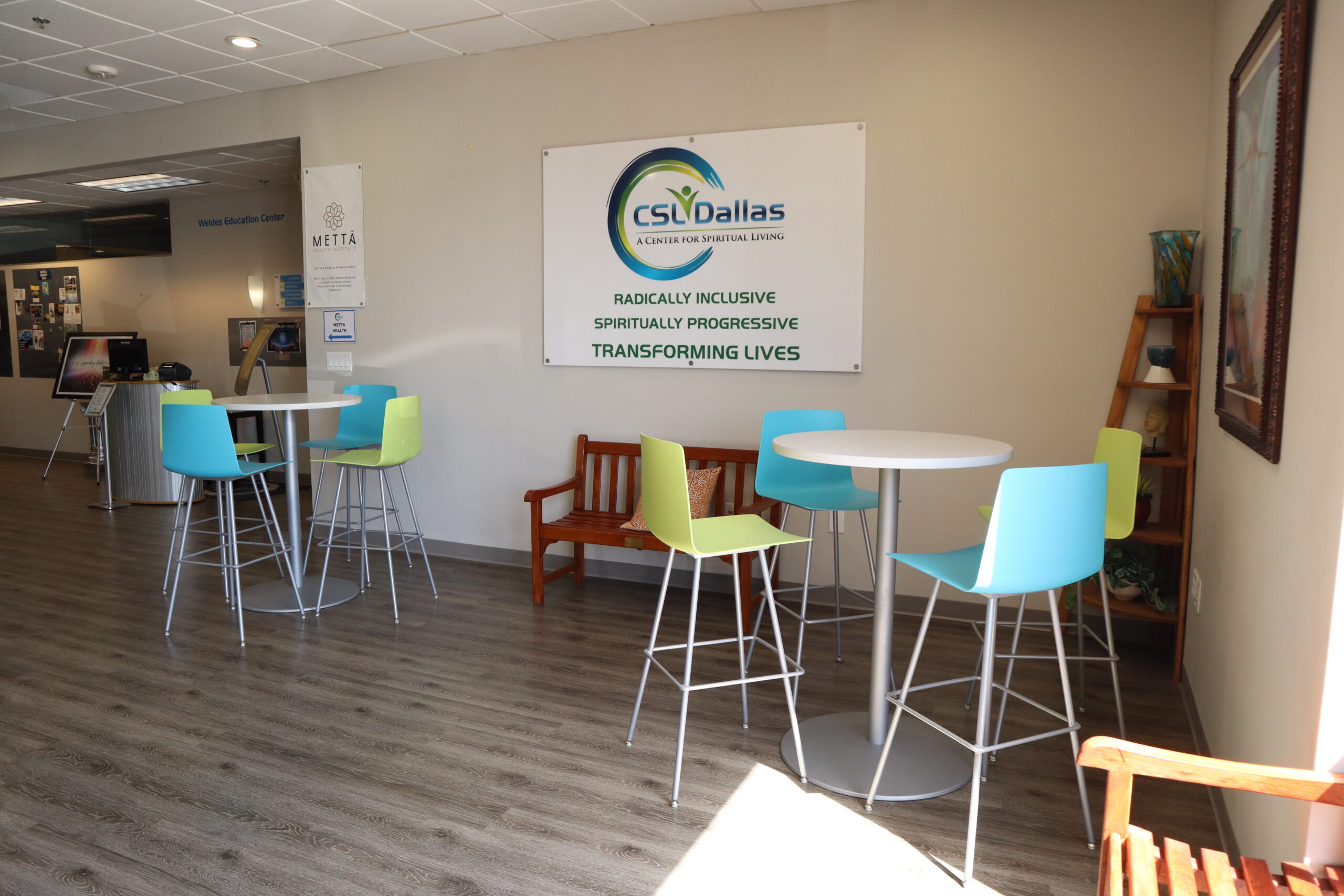
4801 Spring Valley Rd
Suite 113
Dallas, TX. 75244
972-866-9988
info@csldallas.org
Stay connected with what’s happening in our community by signing up for our weekly newsletter and/or our bi-weekly inspirational and affirmational text messages. You will only need an email account or mobile phone for text messages. Follow the steps below or watch video for instructions on how to sign up.
Learn how to make one-time or recurring donations to CSLDallas. Follow the steps below or watch the video for instructions. You can use either a PC, Mac or a tablet/smartphone and a web browser (Google Chrome, Microsoft Edge, Apple Safari) to log onto and use the CSLDallas Community Portal (a.k.a., InFellowship) to make donations and partial payments to Science of Mind courses.
You will only need a device that has a web browser (Google Chrome, Apple Safari, Microsoft Edge, etc…) on it to sign up for a Science of Mind course. As there is no “app” for InFellowship (our CSLDallas Community Portal) we strongly encourage course attendees to use a PC, Mac, or at minimum a tablet or large smartphone, as navigating the portal can be difficult on smaller screens. Follow the steps below or watch video for instructions on how to register.
Learn how to create an account on the CSLDallas Community Portal (InFellowship) to access course materials, find Zoom links, update contact information, as well as track donation and payment information and history. Follow the steps below or watch the video for instructions on how to use this invaluable tool. You will need either a PC, Mac (preferable), or a tablet/smartphone and a web browser (Google Chrome, Microsoft Edge, Apple Safari) to log onto and use the CSLDallas Community Portal (a.k.a., InFellowship).
Learn how to register for a GiveButter account to be able to bid on seats for the Fun With Friends program. You will need either a PC, Mac (preferable), or a tablet/smartphone and a web browser (Google Chrome, Microsoft Edge, Apple Safari) to log onto and use the CSLDallas Silent Auction platform (GiveButter.com).
Learn how to register for a GiveButter account to be able to bid on seats for the Fun With Friends program. You will need either a PC, Mac (preferable), or a tablet/smartphone and a web browser (Google Chrome, Microsoft Edge, Apple Safari) to log onto and use the CSLDallas Silent Auction platform (GiveButter.com).
There’s also the chance that our livestream may be experiencing technical difficulties; check back in a few minutes or try refreshing your screen.
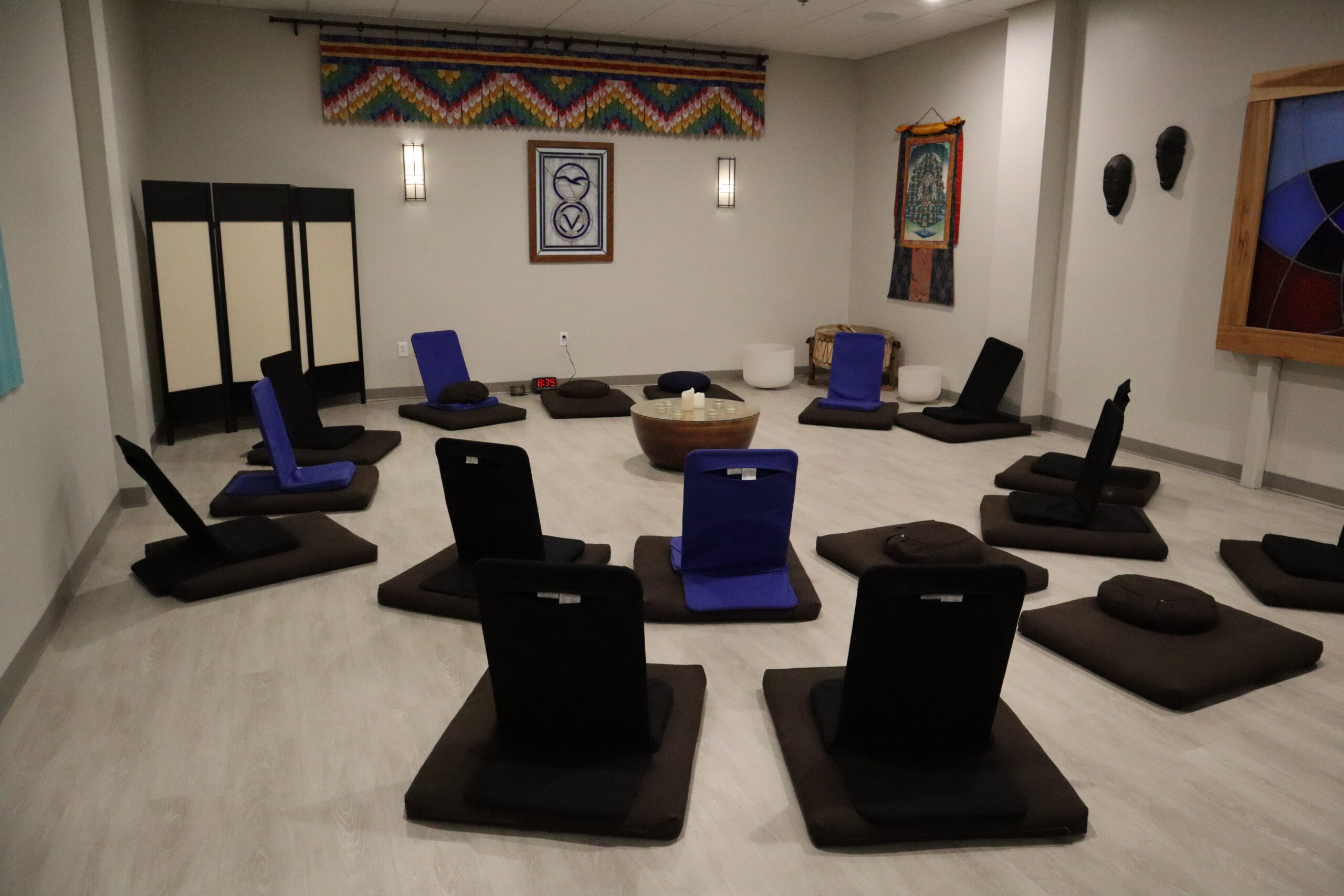
Find the perfect space for your next gathering, meeting, or special event.
Our CSLDallas campus offers a variety of flexible spaces designed to accommodate meetings, workshops, celebrations, classes, and community events. From intimate meeting rooms to larger gathering spaces, our facilities provide a welcoming environment that supports connection, learning, and meaningful experiences.
Whether you're planning a business meeting, educational workshop, community gathering, or special occasion, our rental spaces offer comfort, convenience, and a supportive atmosphere. Explore the available options and discover a space that helps bring your vision to life.